Thank you for reading this game guide on TendoSource!
Transferring your Monster Hunter Generations Save file from Nintendo 3DS to Nintendo Switch requires can be done but requires a bit of prep work: you must have each console and a copy of Monster Hunter Generations for each system, an internet connection, and time to complete the process. By utilizing a save transfer 3DS app–along with in-game menus in both Generation titles–you will be able to transfer your save file successfully in short order.
I am an avid Monster Hunter fan who has spent hundreds upon hundreds of hours playing the series over the last 15 plus years.
So I understand the desire to want to continue playing your save file from one iteration to the next.
Luckily, Monster Hunter Generations for the Nintendo 3DS and Monster Hunter Generations Ultimate for the Nintendo Switch allow you to transfer your precious save file from the 3DS version to the newer, expanded Nintendo Switch iteration.
And today, I will guide you through the precise steps of doing so.
THANKS FOR YOUR SUPPORT, READER!
TendoSource is supported by kind readers like you with affiliate links at no extra cost.
Use my Amazon affiliate links to view helpful Nintendo items:
This allows us to continue making quality guides while keeping the site running.
Thank you for your support, kind reader. Please enjoy this helpful gaming article!
NOTE: We participate in affiliate programs (including Amazon Services LLC Associates Program) designed to provide a means for us to earn fees by linking affiliated sites at no extra cost.
Transfer Your Monster Hunter Generations Save File From Nintendo 3DS To Nintendo Switch
Moving your save file from Monster Hunter Generations on Nintendo 3DS to Monster Hunter Generations Ultimate on Nintendo Switch will require a few items, some time, a bit of patience, and a good attitude.
View this helpful table of contents to quickly navigate to any portion of this game guide:
Monster Hunter Generations Save File Transfer Requirements
Transferring your Monster Hunter Generations’ save file from Nintendo 3DS to Switch requires one of each system, a copy of the game for each console, internet connection, and a bit of patience.
NOTE: Any Nintendo 3DS system (an original Nintendo 3DS, a Nintendo 2DS, new Nintendo 3DS, new Nintendo 3DS XL, or new Nintendo 2DXL) should all work.
Any Nintendo Switch system (an original Nintendo Switch, a Nintendo Switch Lite, or a Nintendo Switch OLED) should all work.
| Transfer Requirements |
|---|
| Nintendo 3DS console |
| Monster Hunter Generations (3DS) |
| Nintendo Switch console |
| Monster Hunter Generations Ultimate (Switch) |
| Internet connection |
We can move onto the actual transfer process once you gathered all the required items to perform the transfer. Take your time.
I will be here to help you through the process when you are ready.
If you are ready, move on to the tutorial process below.
ATTENTION: The abbreviation “NS” refers to a Nintendo Switch step and “3DS” refers to a Nintendo 3DS process.
1) Download Monster Hunter Generations Save Data Transfer App (3DS)
Download the Monster Hunter Generations Save Data Transfer app on your Nintendo 3DS
2) Open The Save Data Transfer App To Begin Link (3DS)
Open the Save Data Transfer App and choose “Link your Nintendo 3DS and Nintendo Switch” option (both systems must be connected to the internet).
Wait for this process to complete as it may take a while depending on internet speed.
3) Generate A Transfer Password (3DS)
Click “Show Transfer Password”.
A generated password will appear.
Jot it down or take a picture of it to easily remember the password.
Do not shut down your Nintendo 3DS or the Save Data Transfer App.
4) Launch Monster Hunter Generations Ultimate (NS)
Open Monster Hunter Generations Ultimate on you Nintendo Switch.
5) Choose The Data Transfer Option (NS)
Select the “Data Transfer” option from the main menu screen.
6) Select The Console Link Option (NS)
Choose “Link Nintendo 3DS and Nintendo Switch” option.
7) Enter The Transfer Password (NS)
The “Enter Password” option will appear.
Enter the Transfer Password you obtained from the Nintendo 3DS.
Wait for this step to finish.
Keep your Nintendo Switch on and Monster Hunter Generations Ultimate
8) Choose Save Data Transfer Option (3DS)
Return to your Save Data Transfer App on your Nintendo 3DS and choose the “Save Data Transfer” option.
You will be shown what contents will be transferred and asked to confirm the transfer.
9) Confirm Data Transfer (3DS)
Confirm you would like to transfer your data on the Nintendo 3DS.
10) Receive The Save Data (NS)
On your Nintendo Switch, select “Receive Save Data” from the “Data Transfer” menu.
This may take some time to connect to your save data, depending on internet speeds.
Be patient and confirm the transfer.
11) Finish The Transfer Process (NS)
Select “Continue” on the main menu and you will be able to continue playing as your character from the Nintendo 3DS version of Monster Hunter Generations.
You have successfully transferred you Monster Hunter Generations save file to Monster Hunter Generations Ultimate. Congratulations!
Why Would Should Transfer Your Save File
Most Monster Hunter players will spend hundreds or thousands of hours playing one Monster Hunter title. That is a lot of time invested!
This is why some players may want to transfer their save file from one Monster Hunter iteration to the next.
Here are a some reasons why you may want to transfer your save file.
Reasons To Transfer Your Monster Hunter Data
- You want to continue playing where you left off
- You want to keep the items you collected
- You want to keep the equipment you forged and collected
- You want your hunter stats to carry over
- You want to continue playing as the same character you invested hundreds of hours into
- You prefer to avoid redoing everything from the beginning
Not all Monster Hunter games allow save transferring, but Monster Hunter Generations for the 3DS—and the Ultimate version for the Nintendo Switch—does.
For those who own both Generations games and want to transfer their save files to the Ultimate version, the option is available to use.
You are not forced to transfer your save file if you rather start fresh. The choice is up to.
What Is Monster Hunter Generations/Ultimate?
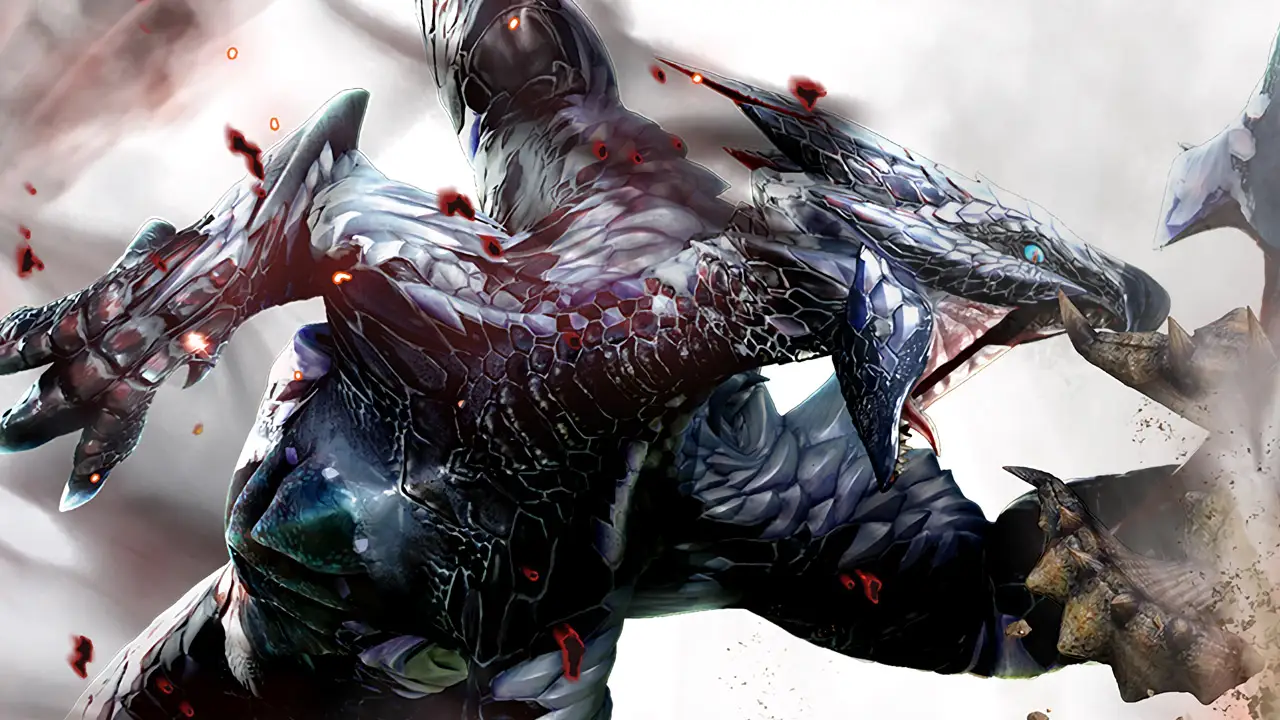
Monster Hunter Generations Ultimate is an action adventure game centered on gathering items, hunting monsters, and upgrading equipment while playing solo or multiplayer with friends nearby or online.
One Monster Hunter game can be played for hundreds (or thousands) or hours. This series is that much fun.
You now know how to transfer your Monster Hunter Generations save file from Nintendo 3DS to Nintendo Switch.
I hope you have fun hunting and gathering for hundreds of hours more now that you have successfully transferred your data from one Monster Hunter Generations game to the next.
If you ever need a refresher on how to transfer your save file, come back to this handy guide whenever you please.
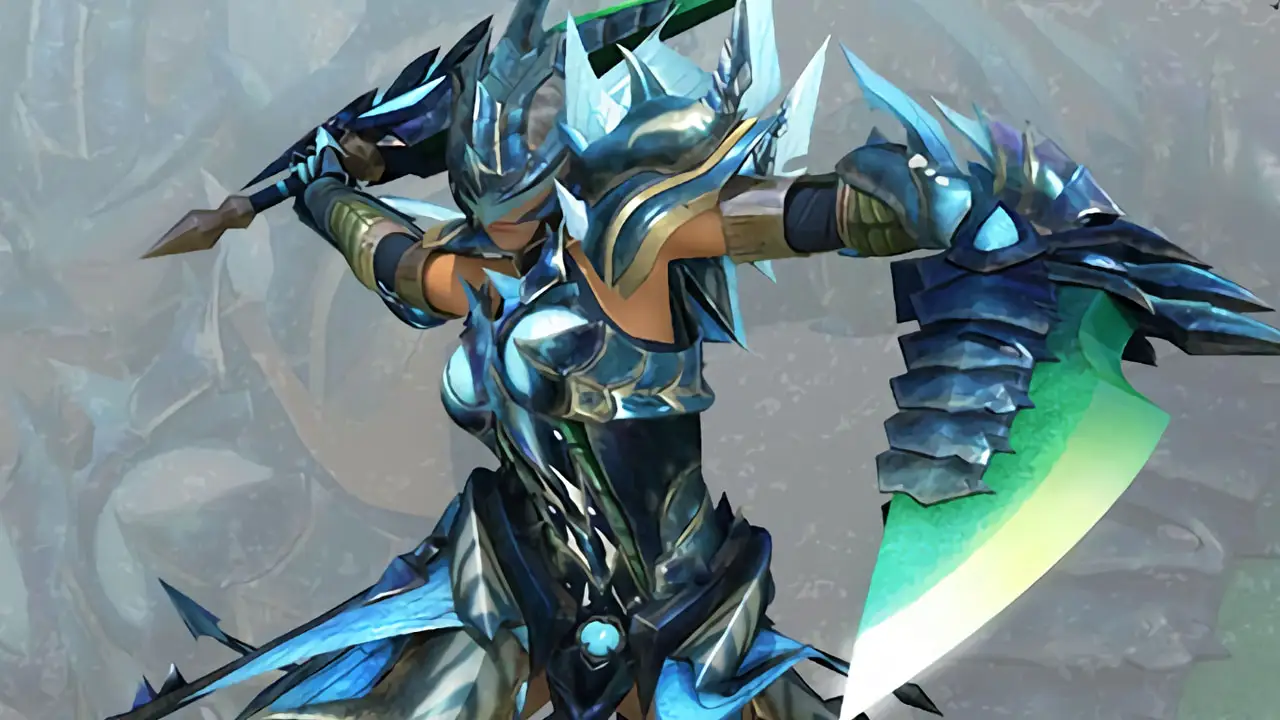
Featured Image: Monster Hunter Generations Ultimate | Image: Capcom/TendoSource